KPIs
The KPI interface centralizes all your key performance indicators, allowing you to effectively track, analyze, and manage your organization's results.
It is structured around four (04) main sections, each dedicated to a specific performance area.
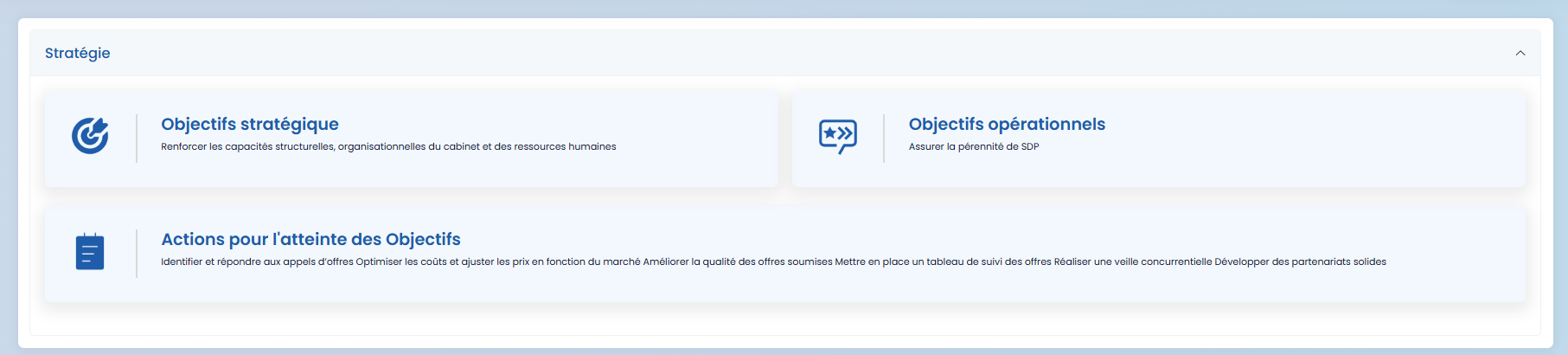
- Strategy
This section brings together your strategic and operational objectives, as well as the actions implemented to ensure they are achieved. It allows you to assess the progress of your strategy and measure the impact of the actions taken against the defined goals.
-
Submitted Bids and Won Projects
This section displays:
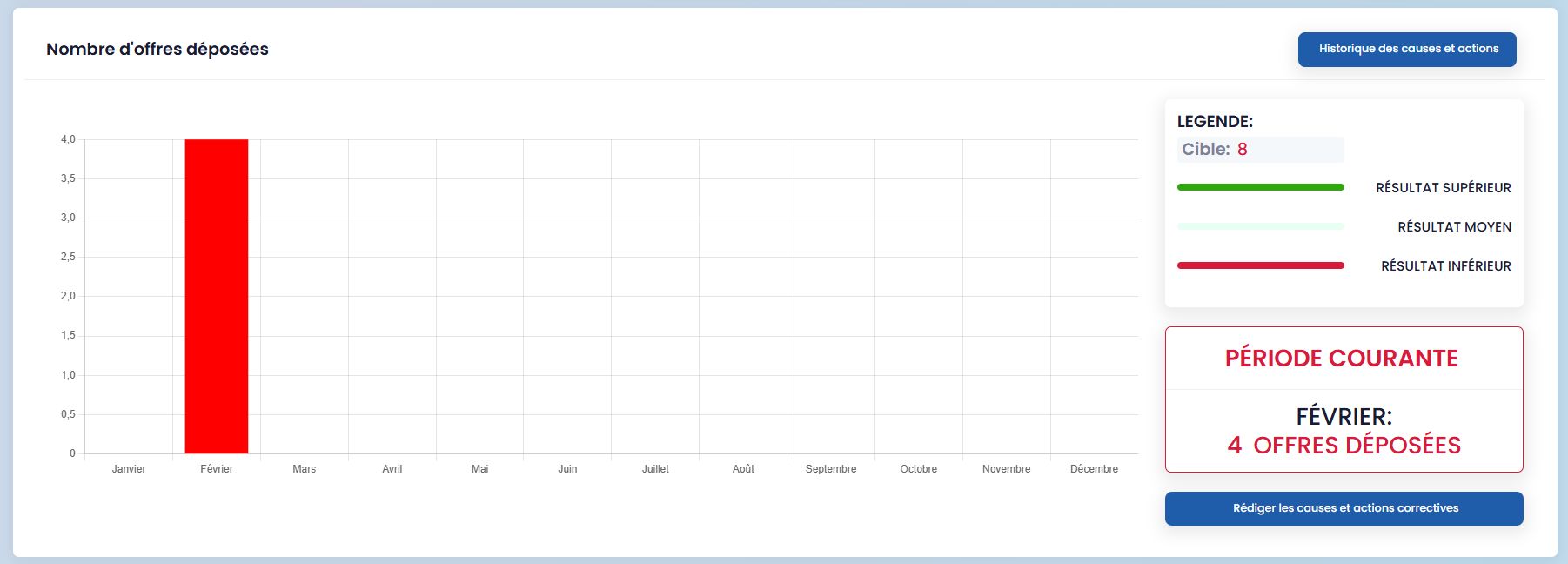
- the number of submitted bids
- the project win rate
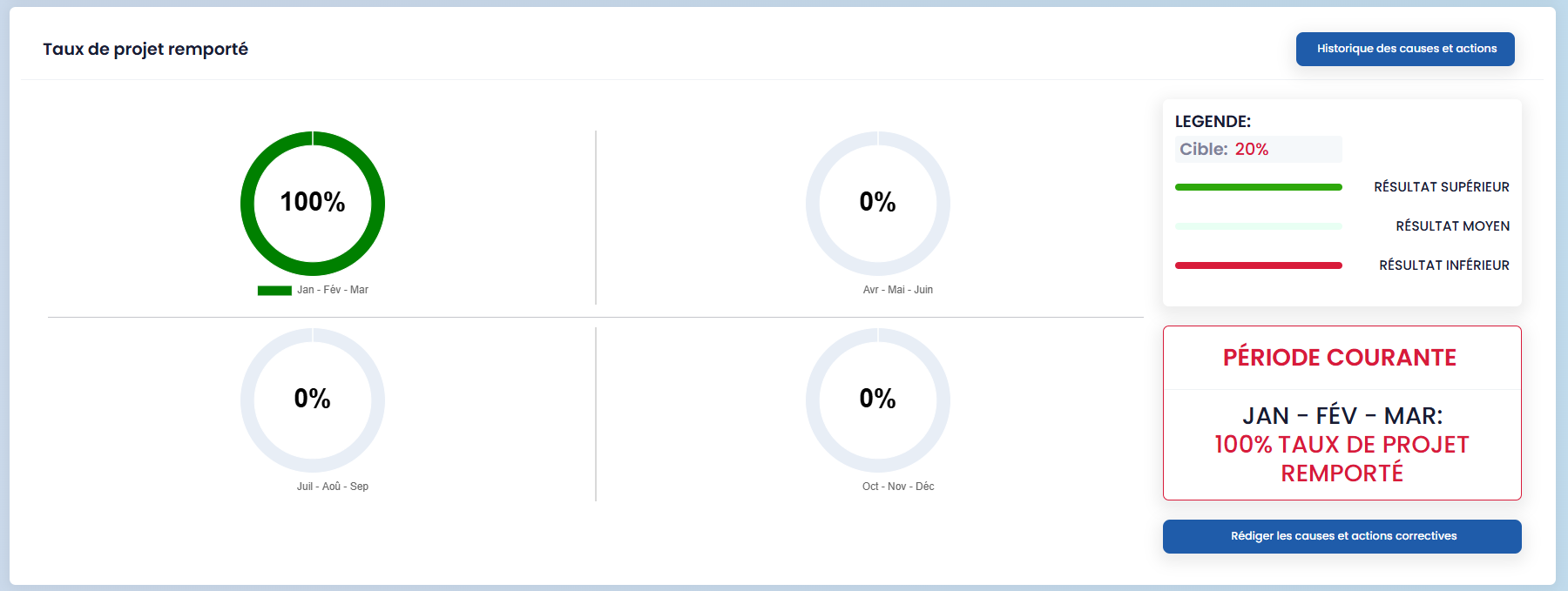
Each indicator is accompanied by performance indices to evaluate the result level compared to the set target:
- above target
- average
- below target
These indicators facilitate quick analysis of commercial performance and support decision-making.
- Tender Follow-up
This section is dedicated to tracking ongoing and closed tenders. A "Download follow-up PDF" button is available to generate a summary document showing the progress status of your tenders.

- KPI Tools and Filters
The KPI toolbar allows you to:
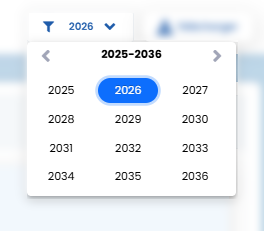
- filter the results display based on the selected year
- download all your performance indicators as a single document using the "Download" button

These features provide a consolidated and actionable view of your performance, facilitating reporting and strategic management.