Projects
When a call for tenders is won, it automatically moves to the next stage in the GOP module. A project linked to this tender is then created, ensuring continuity between the commercial phase and the operational phase.
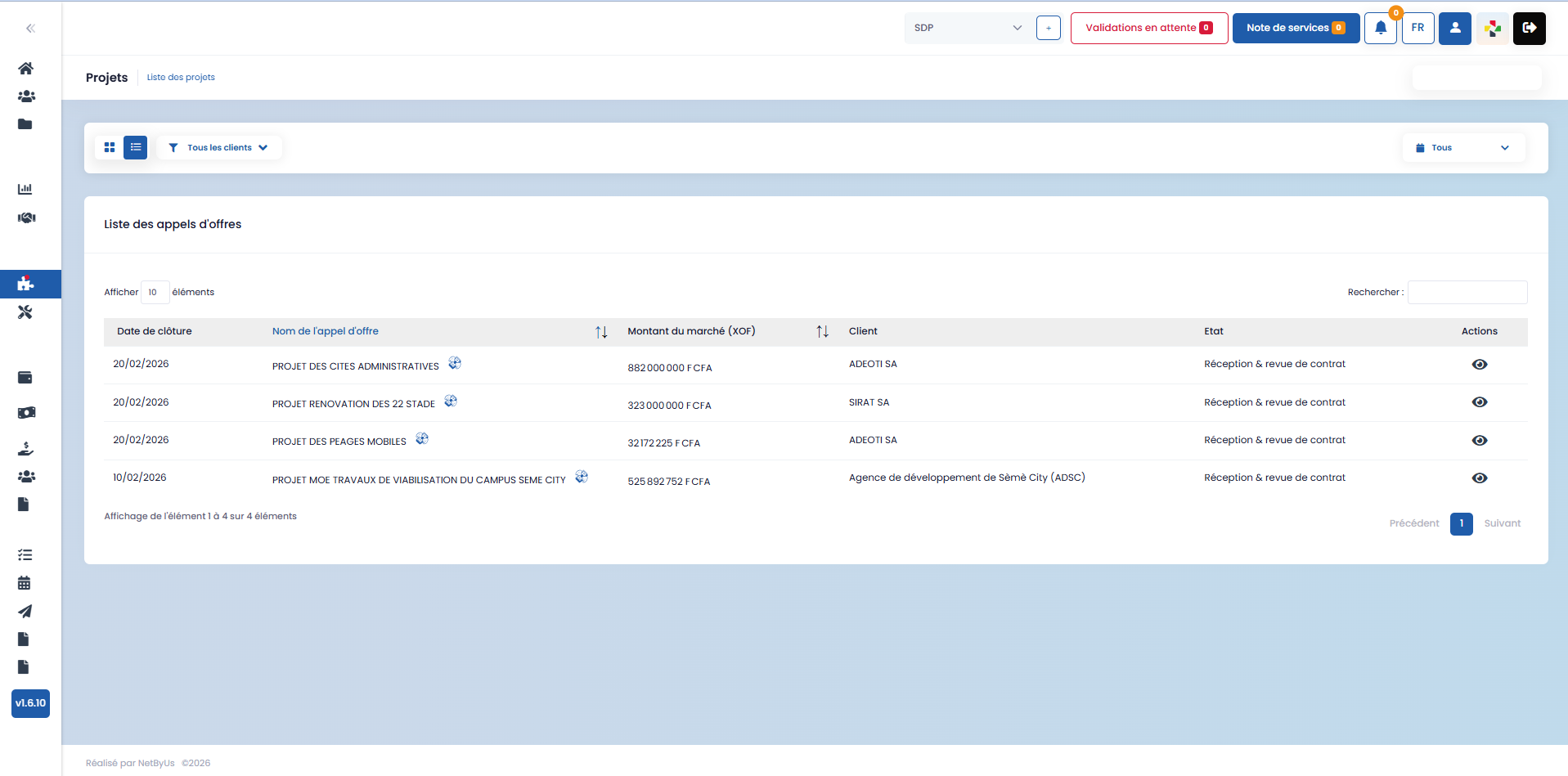
This section presents project management within the GOP module.
Projects Overview
The Projects page allows you to view and manage all your projects. As with other sections of the application, you have:
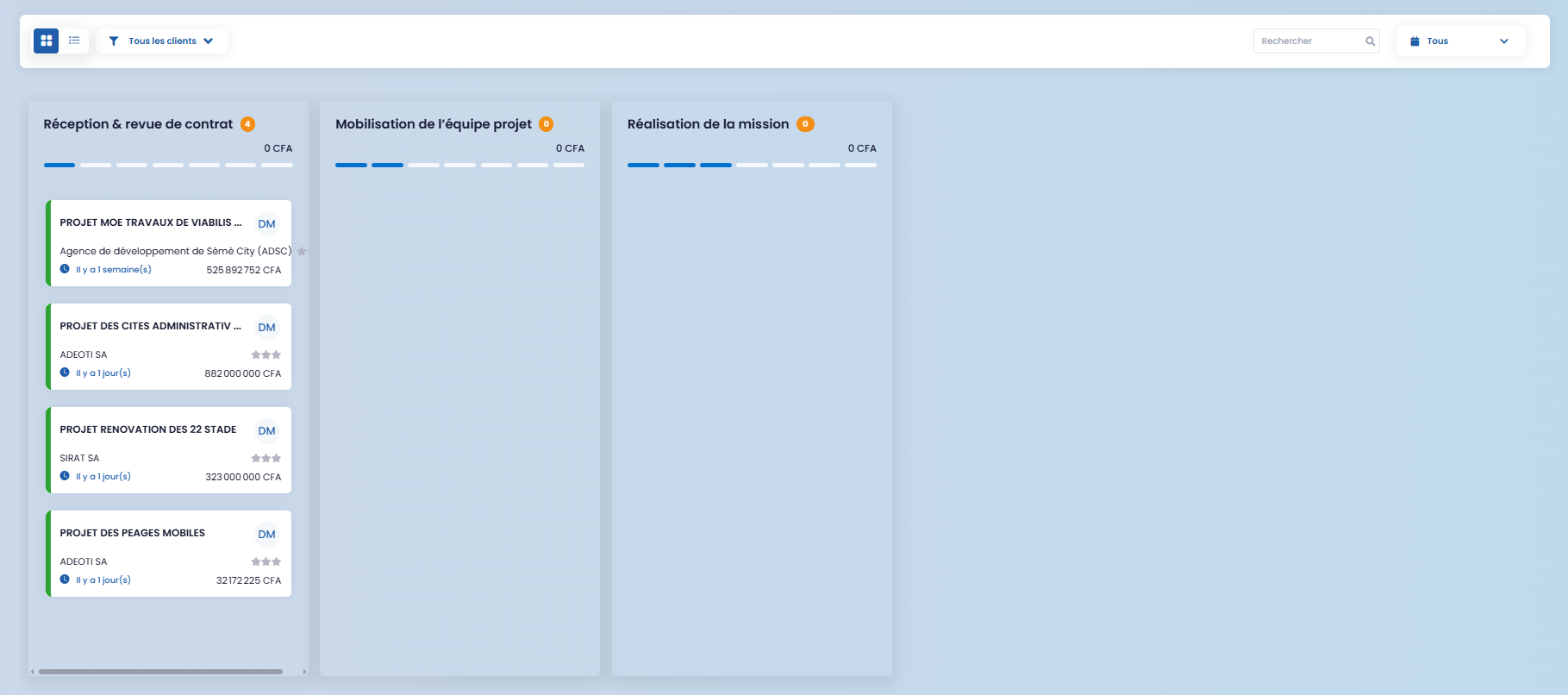
- a grid view
- a list view
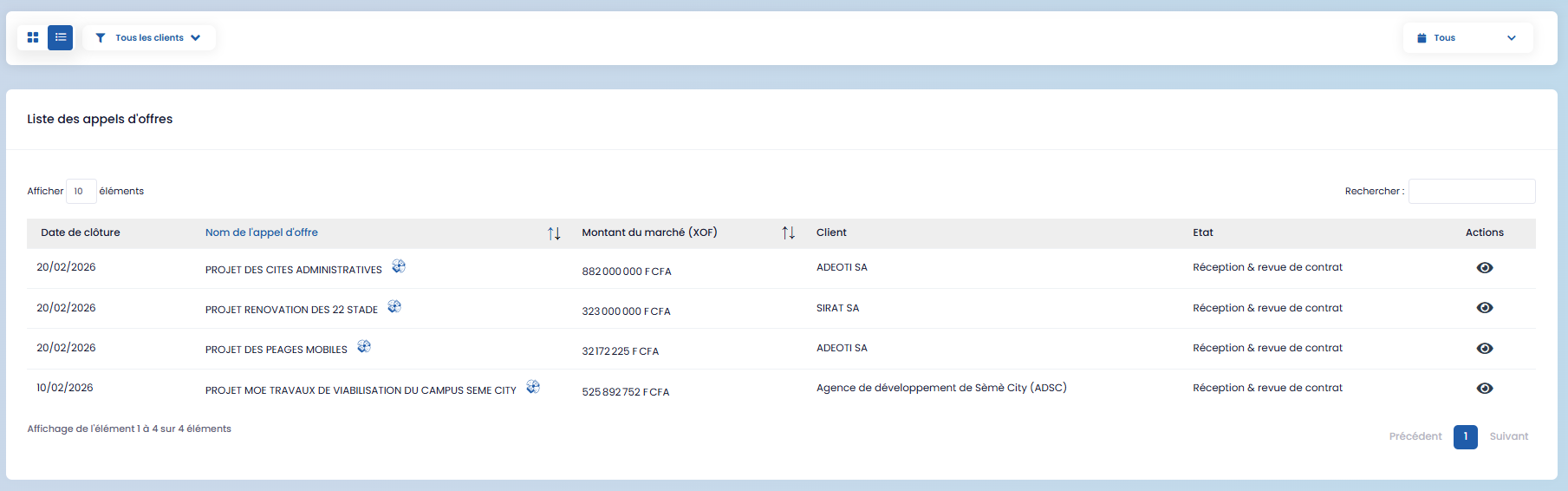
- filters to display projects by client or period.
Grid View and Project Stages
In grid view, each project evolves through three (03) main stages, between which you can move it:
- Contract receipt and review
- Project team mobilization
- Mission execution
This organization allows you to visually track the progress of each project.
Accessing Project Details
By clicking on a project, you access all its information, including:
- the contract

- contract receipt and review
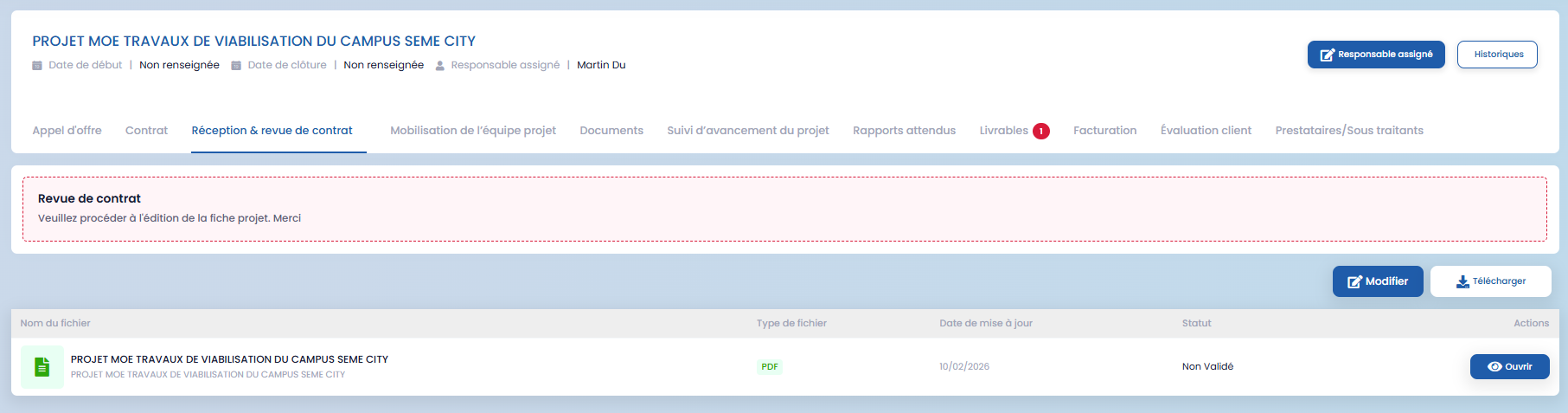
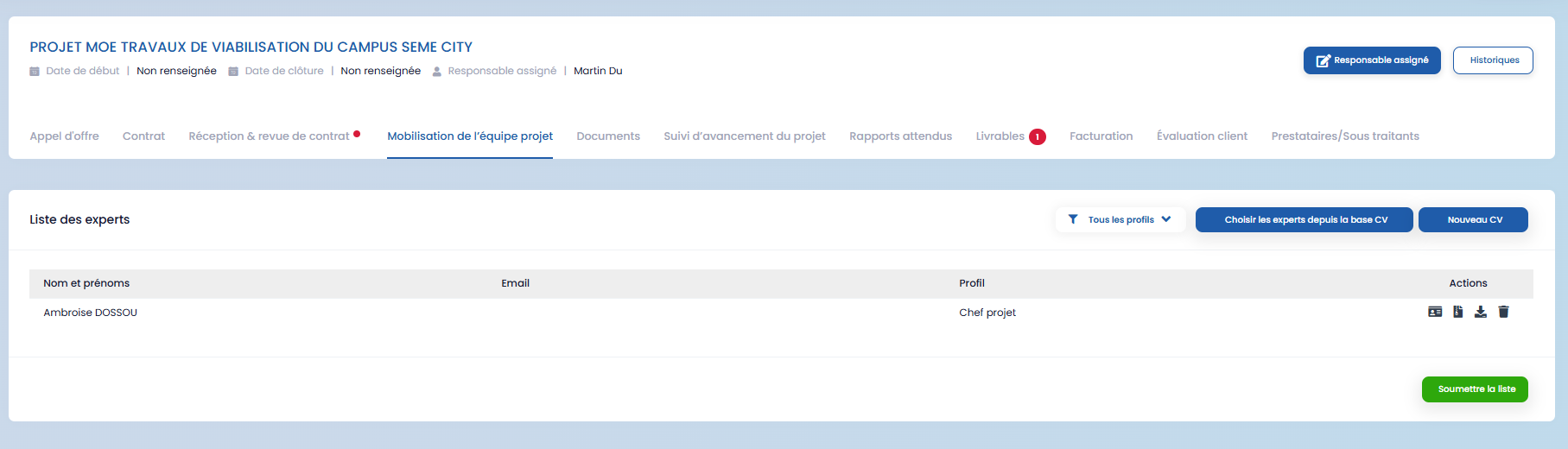
- project team mobilization
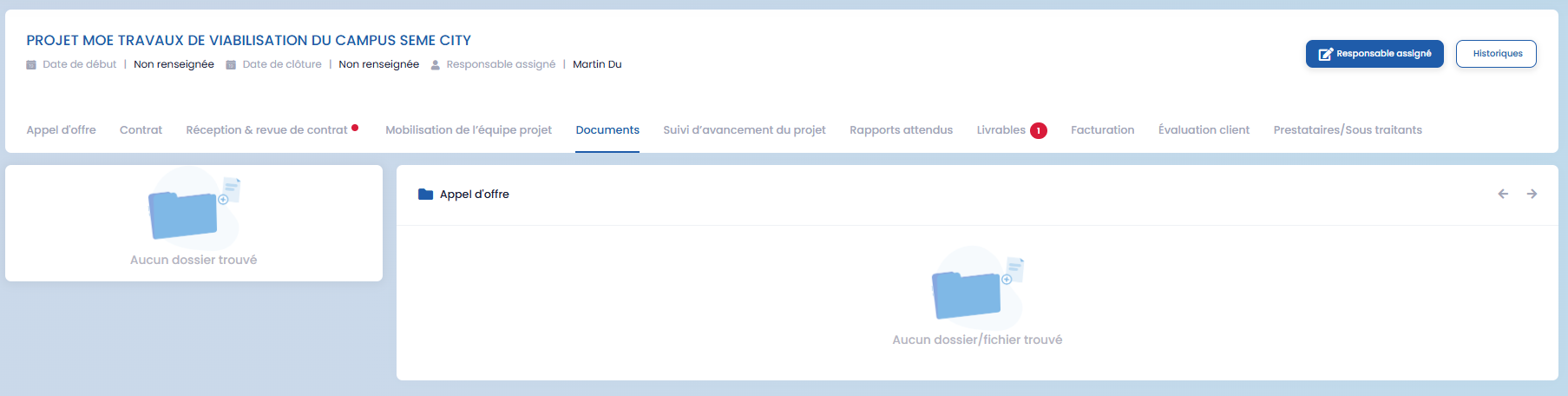
- associated documents
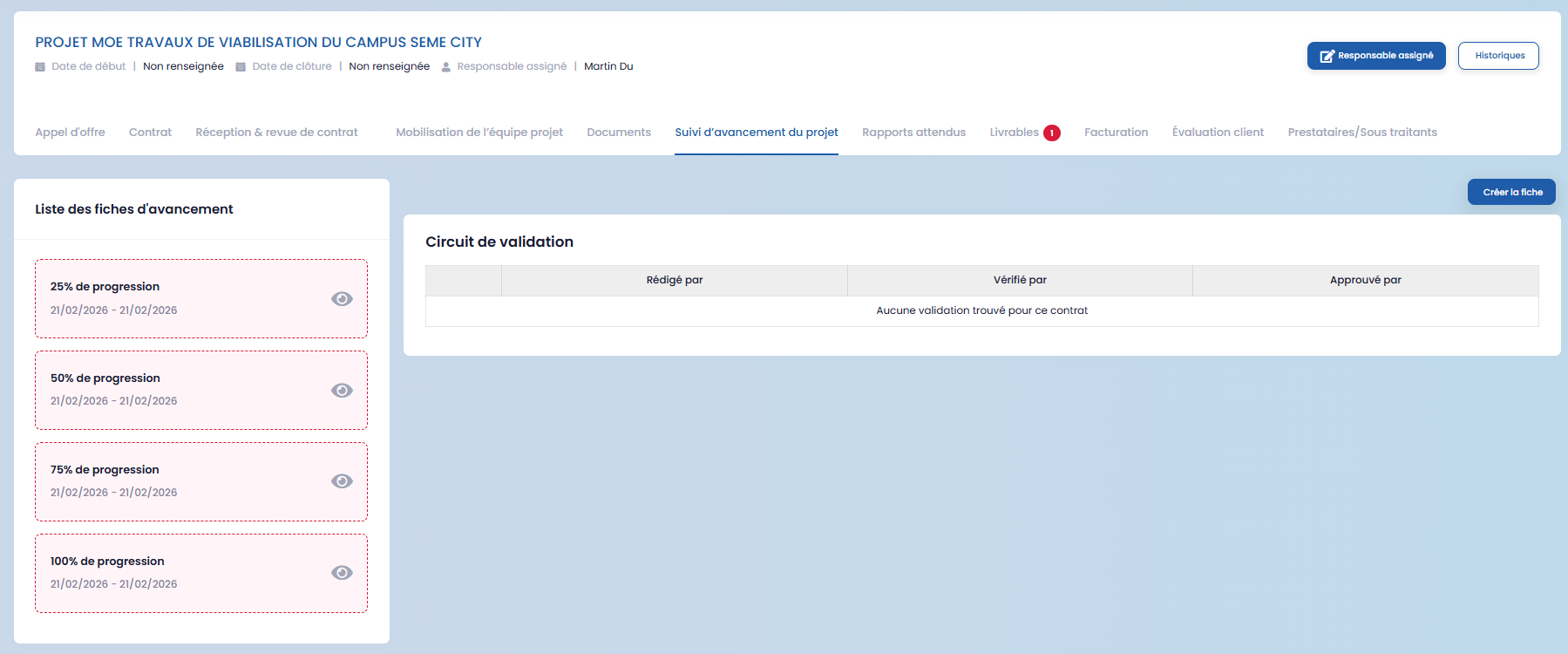
- project tracking and progress
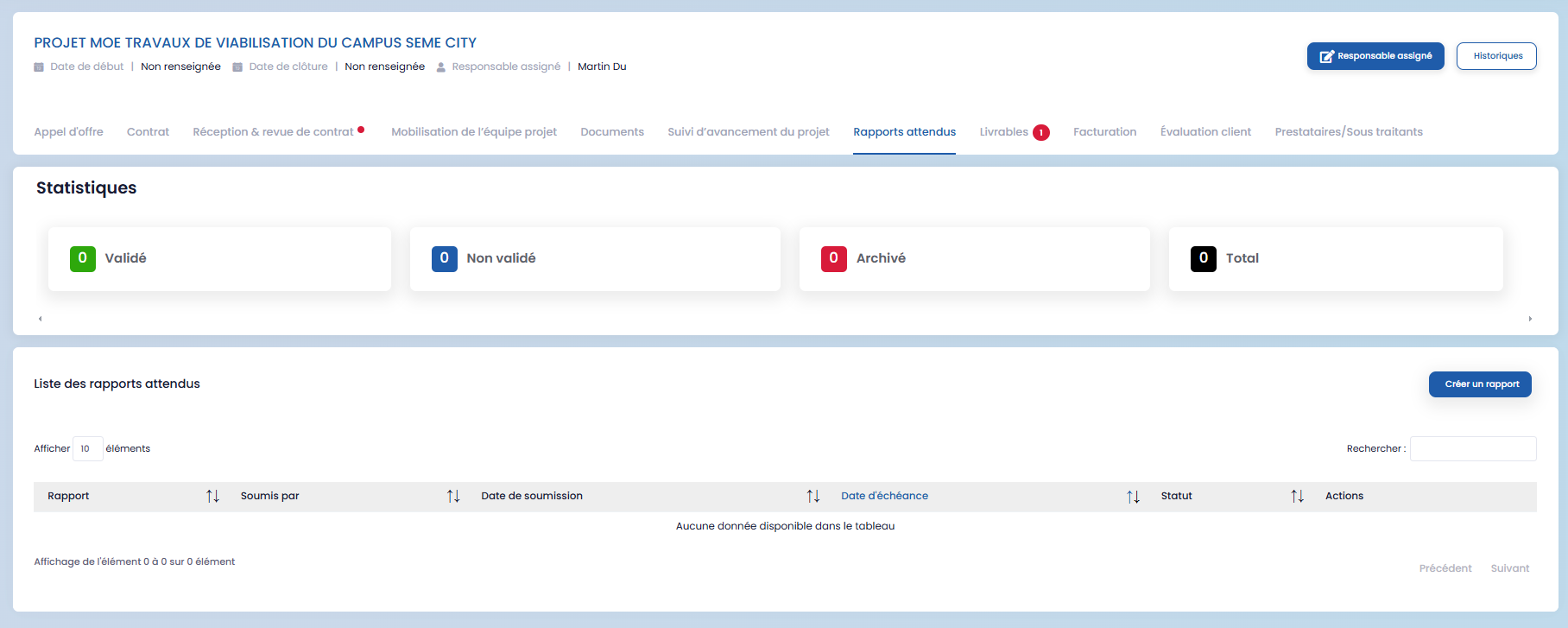
- expected reports
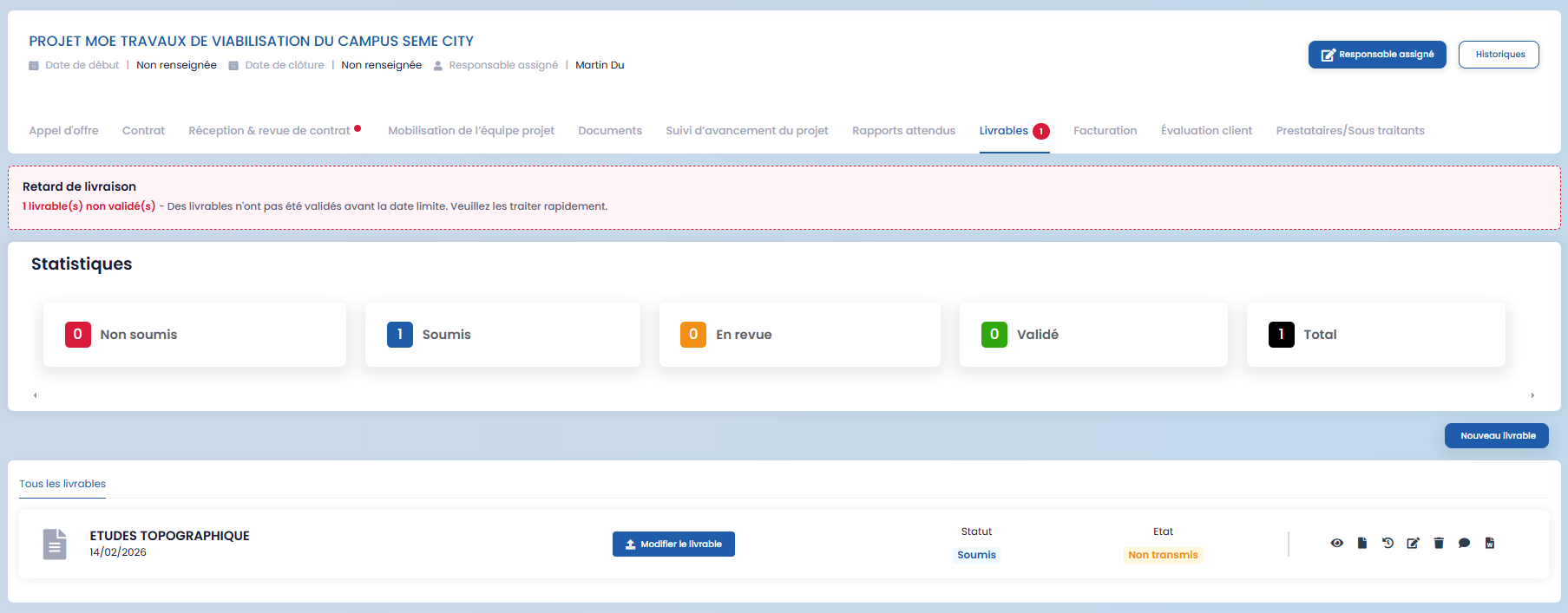
- deliverables
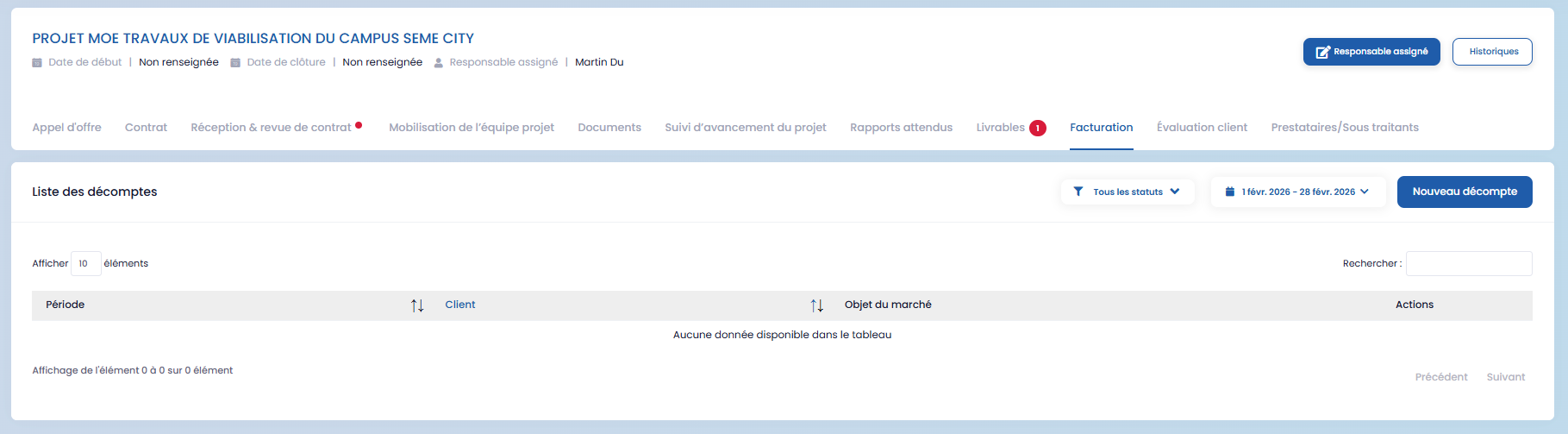
- invoicing
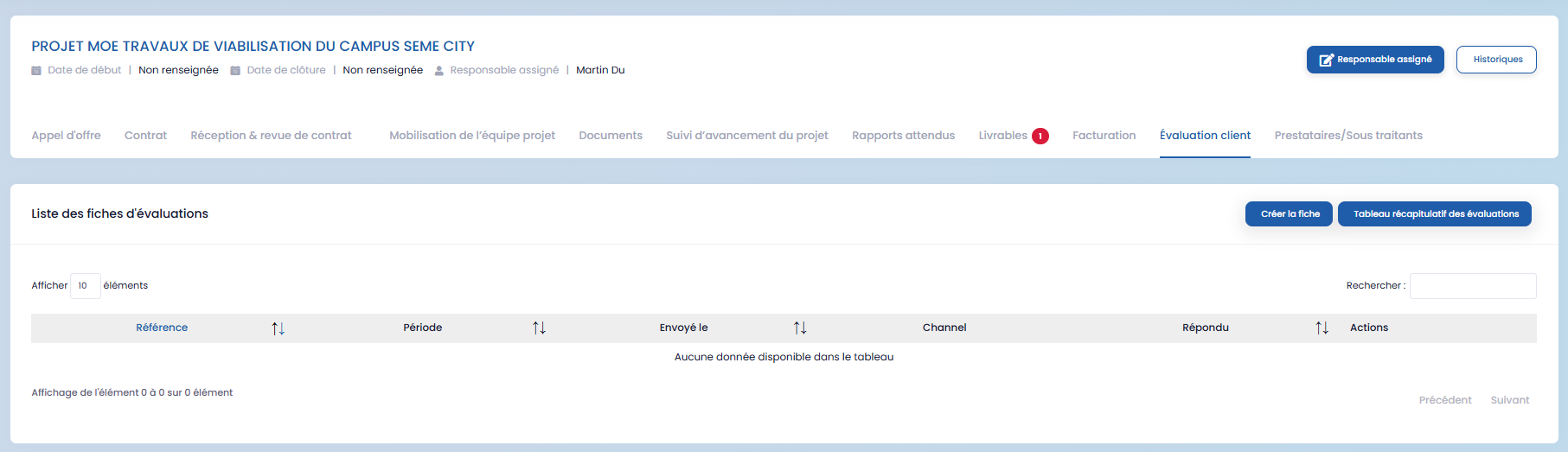
- customer evaluation
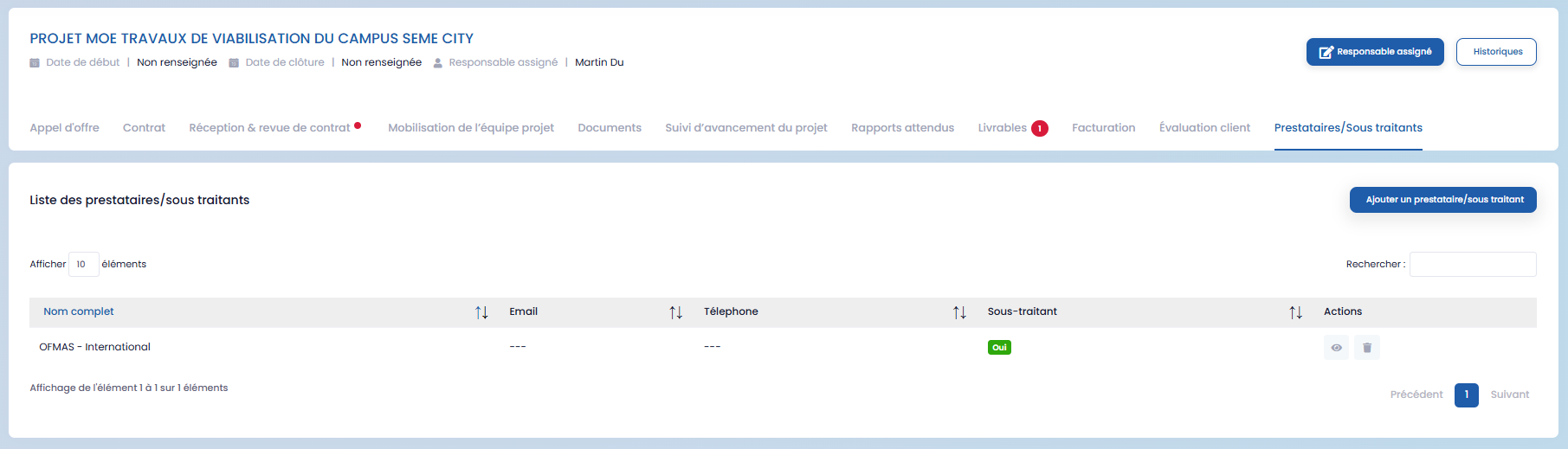
- service providers and subcontractors
This information is centralized to ensure effective operational management.