Works
The Works section provides a detailed and operational overview of all your projects.
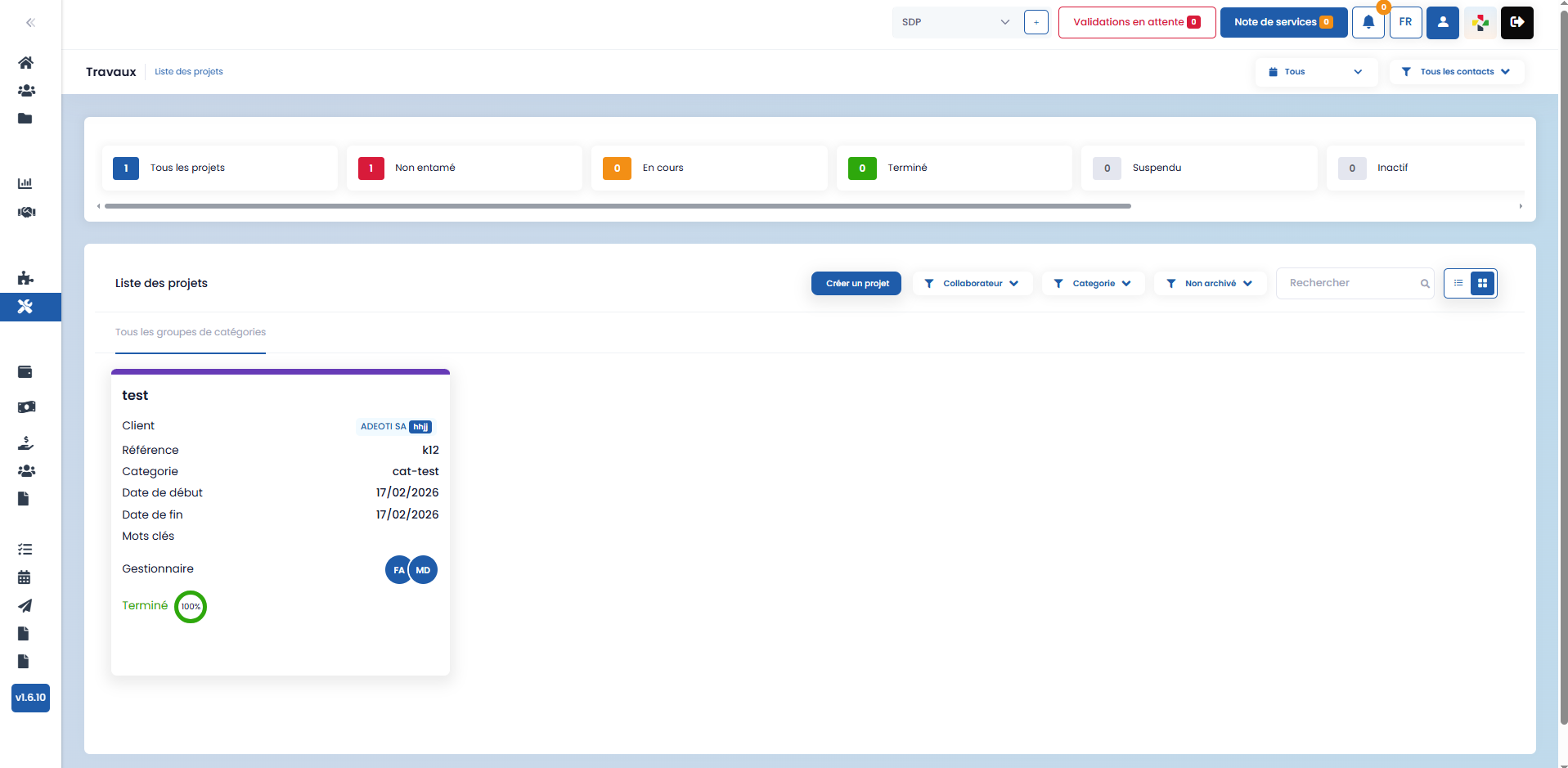
Statistics and Global Tracking

A statistics area allows you to quickly view:
-
all projects
-
not started projects
-
ongoing projects
-
completed projects
-
suspended projects
-
reviewed tasks
-
tasks remaining to be reviewed
-
inactive elements
Filters and Search
Several filters are available to refine the project display:
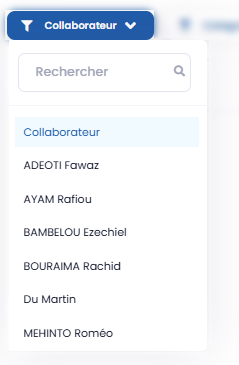
- by associated collaborator
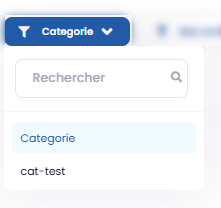
- by category
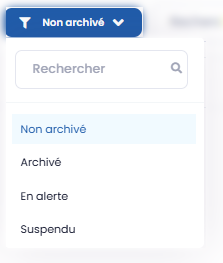
- by status (not archived, archived, on alert, suspended)
- by period (last 30 days, last month, etc.)
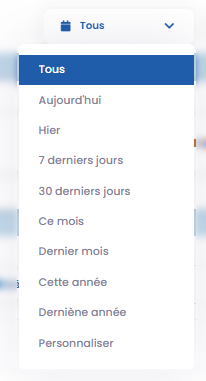
- by contact
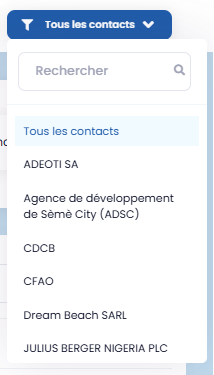
A search bar is also available to facilitate navigation.

Creating a Project
From this section, you can create a new project, including those not originating from a call for tenders.
To do this:
- click on the "Create a project" button

- fill in the requested information in the form that appears.
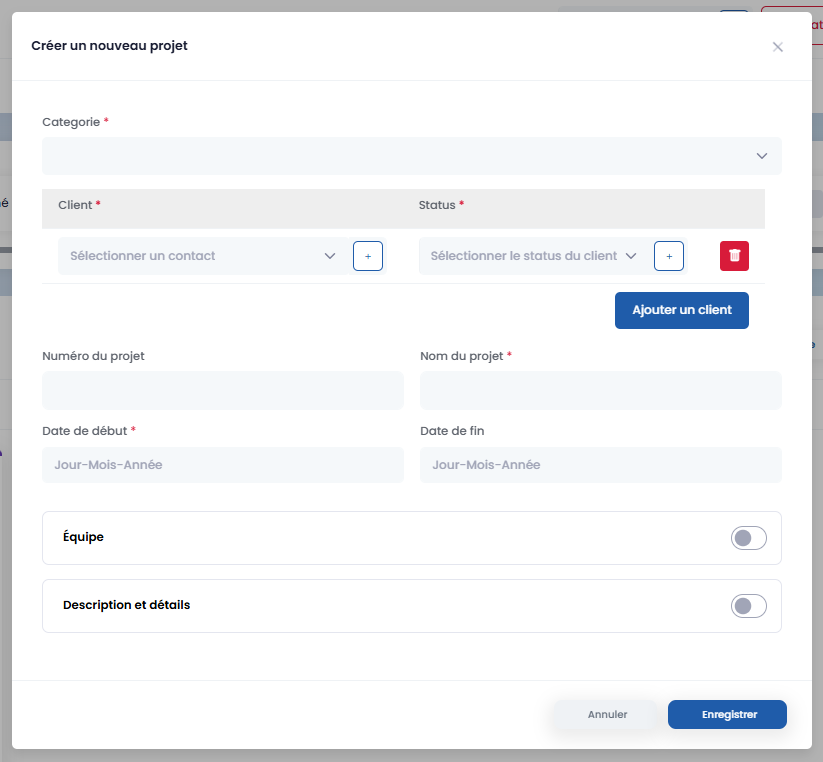
If no category matches your needs when creating a project, you can create a new one from the Settings, in the Projects section, by completing the dedicated form.
Project Details and Management
By clicking on a project, you access a detailed view including:
- project overview
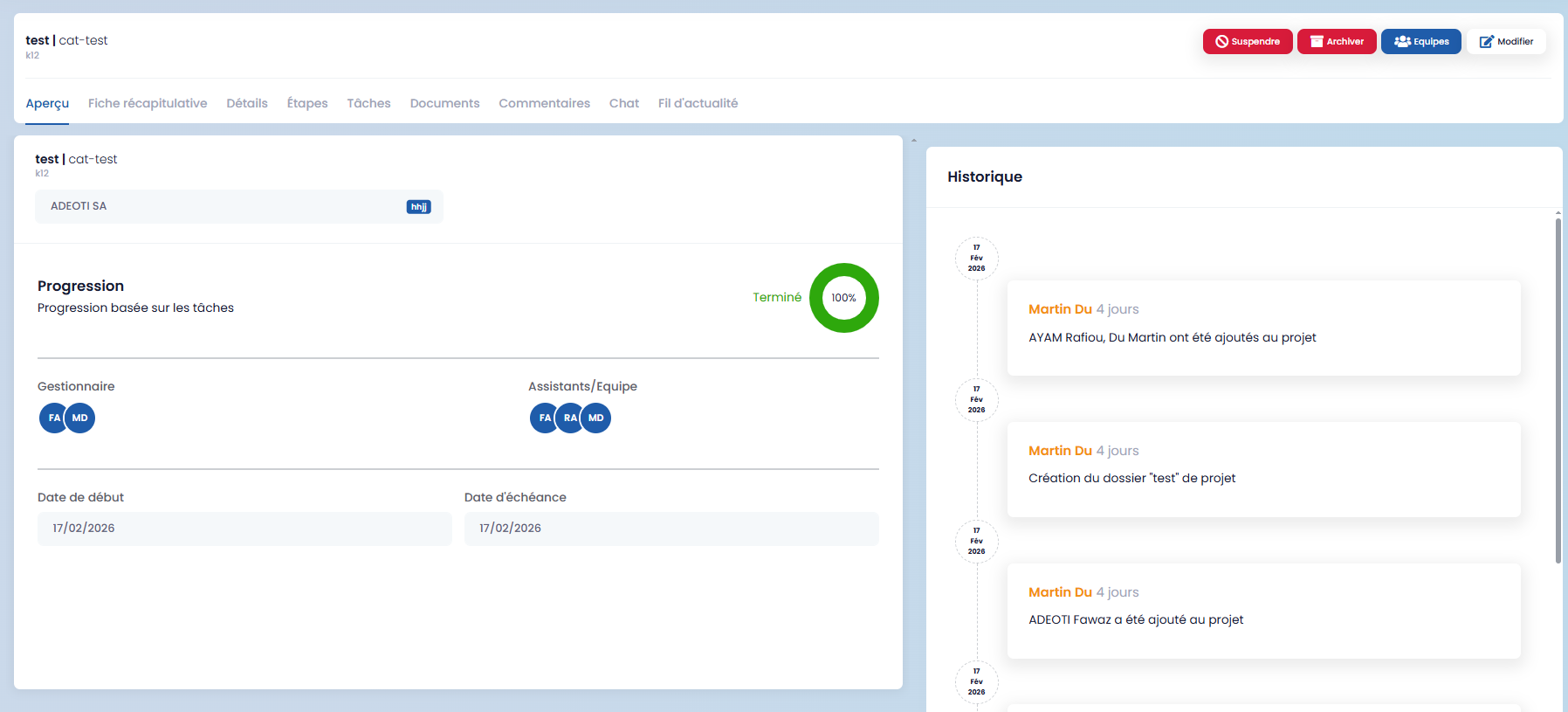
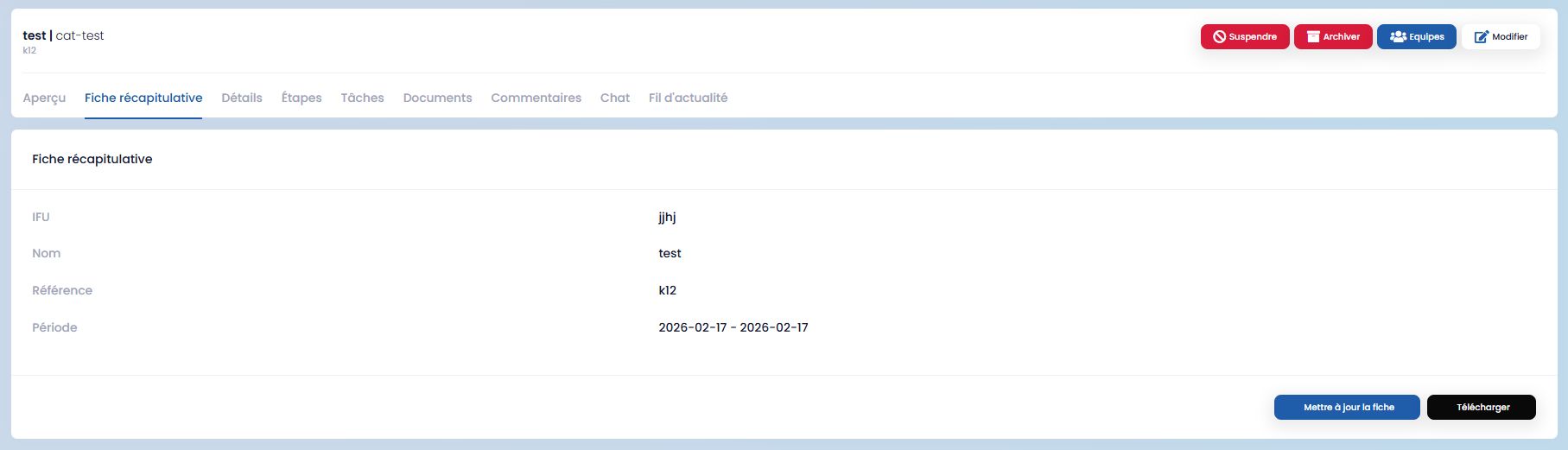
- the summary sheet (can be modified and expanded)
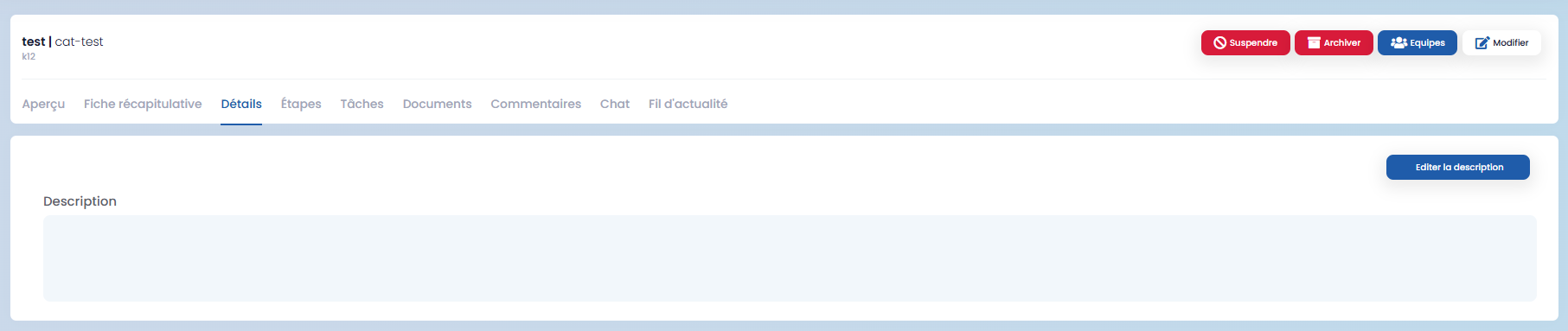
- project details
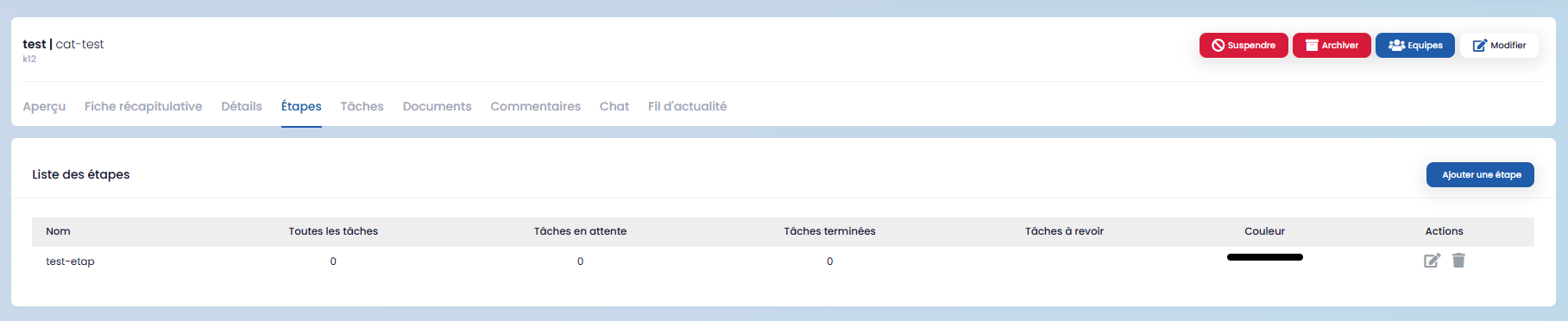
- stages
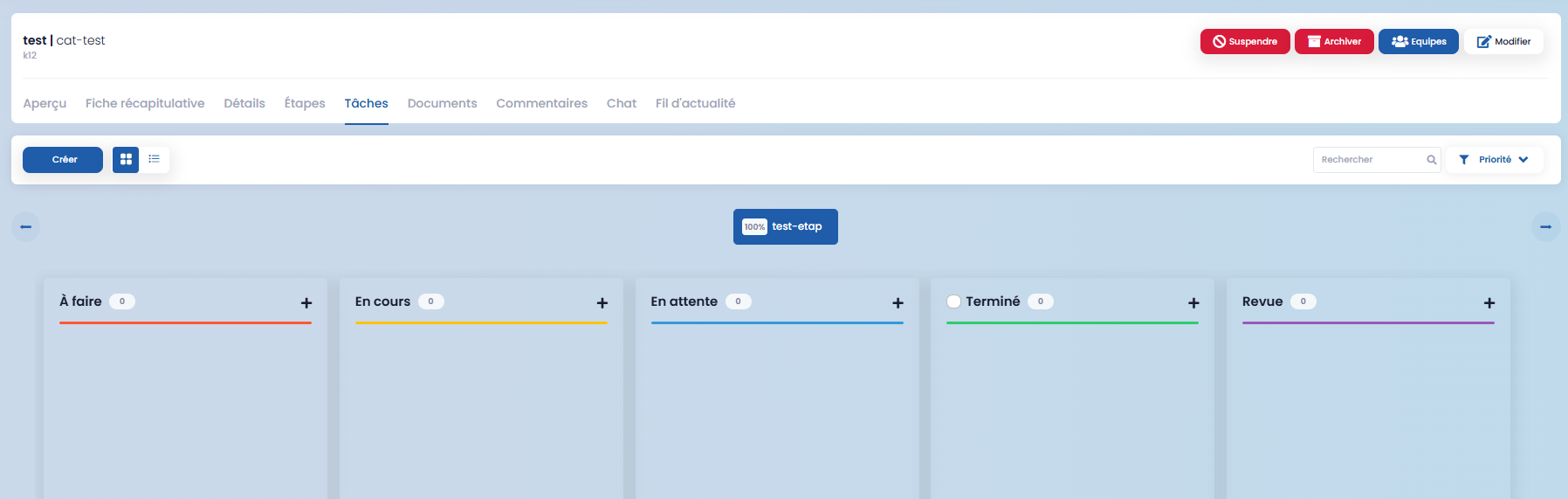
- tasks
- documents
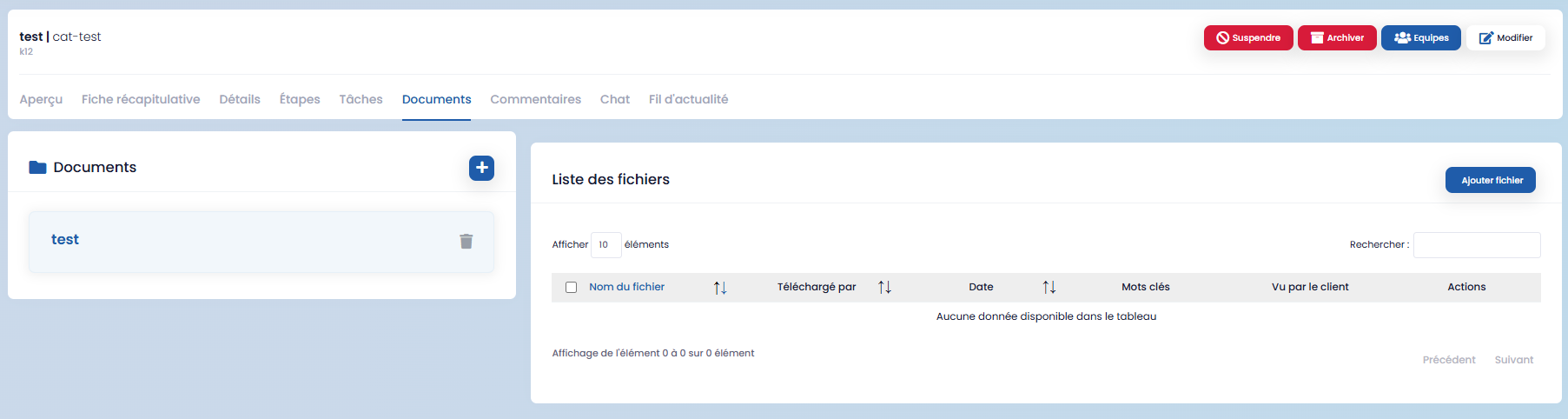
- comments

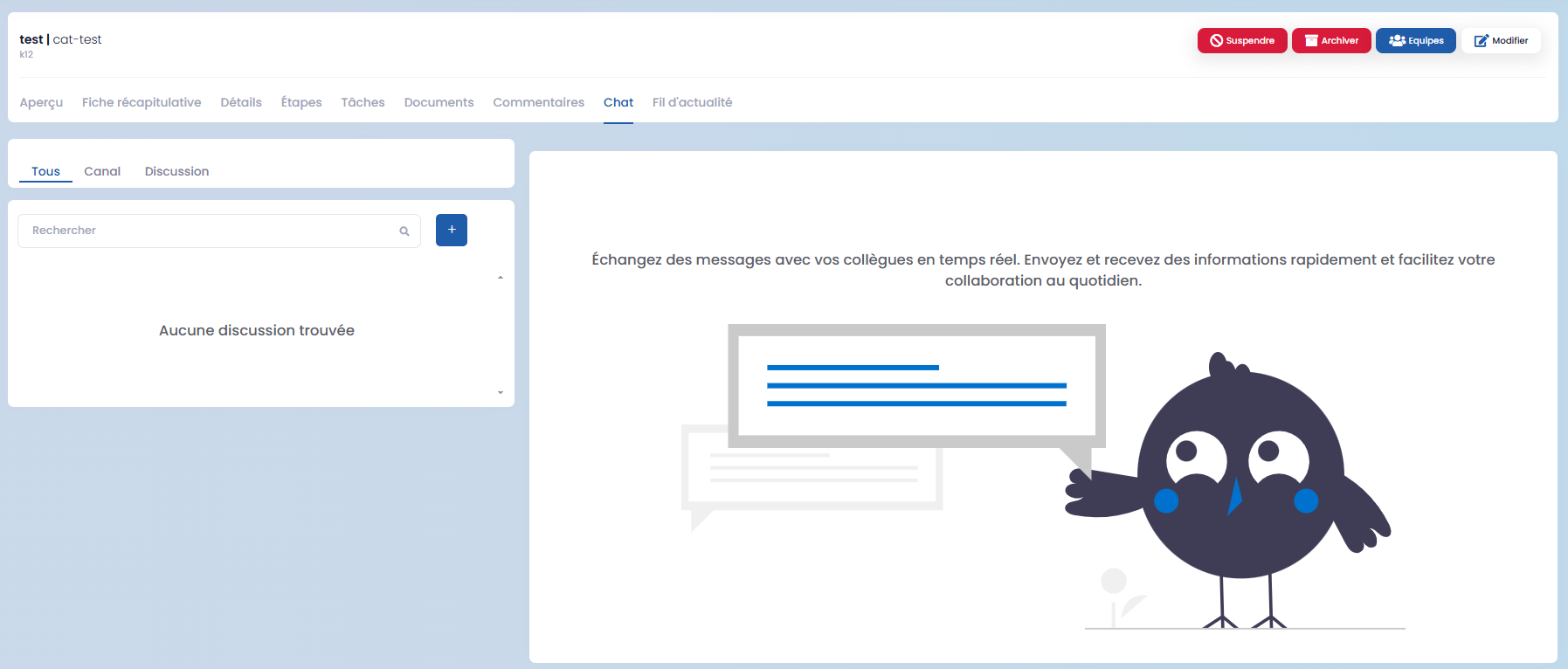
- the chat
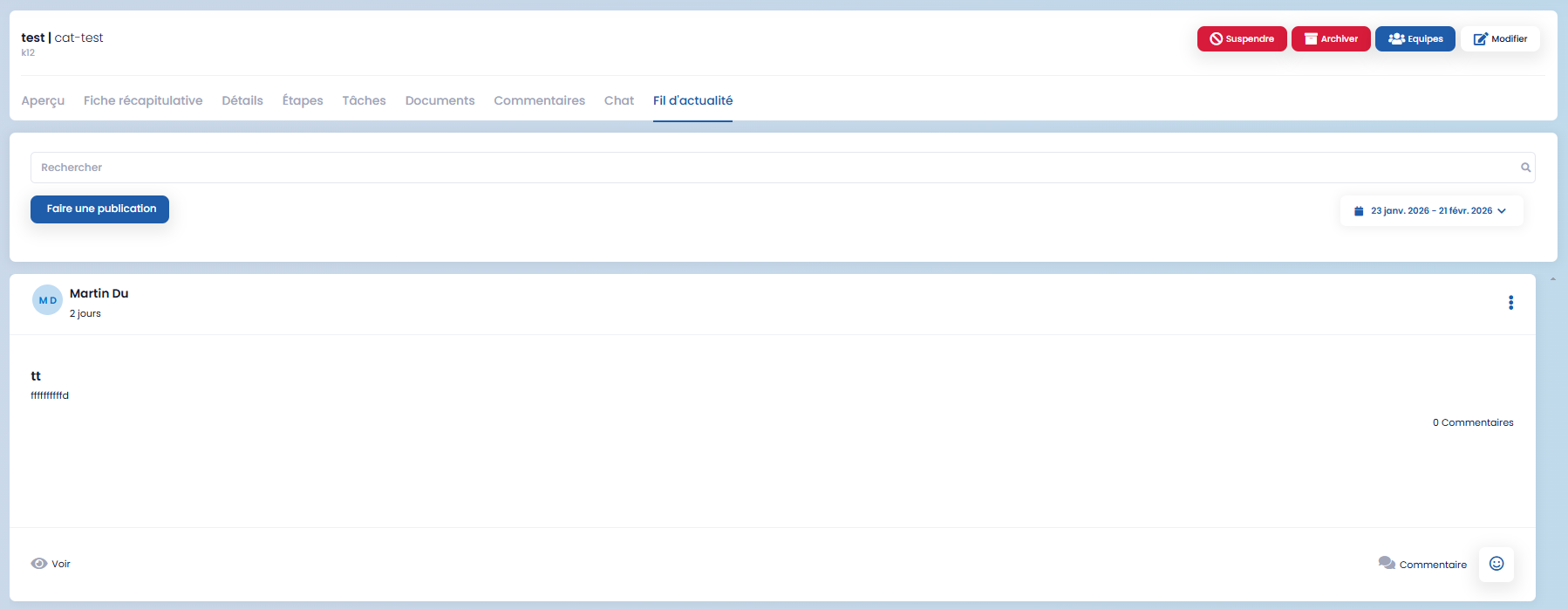
- the news feed
Project Toolbar

The project page toolbar allows you to:
-
suspend a project using the "Suspend" button
-
archive a project using the "Archive" button
-
add or manage teams via the "Teams" button
-
edit project information
These features provide complete and flexible management of your projects throughout their entire lifecycle.