Finance Settings
Invoicing
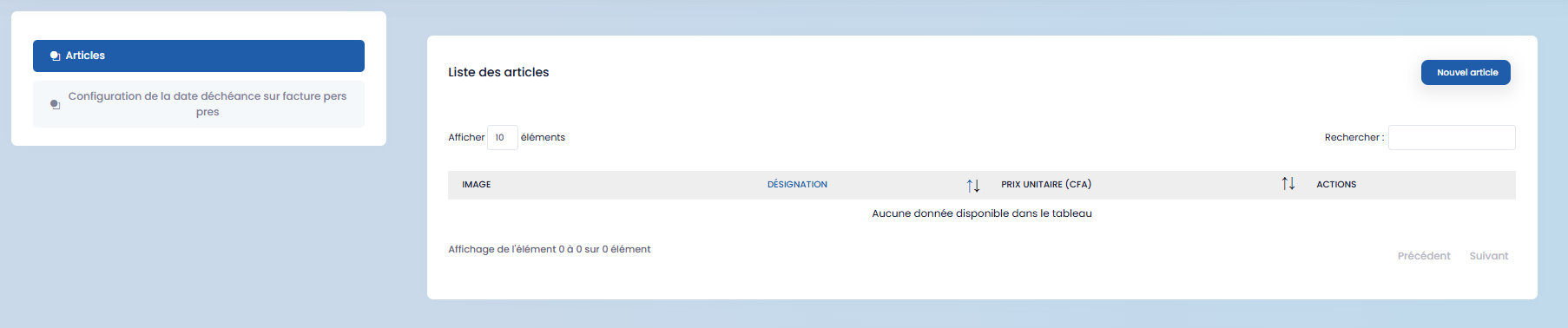
Items
Click on "New item," complete the form, and then save.
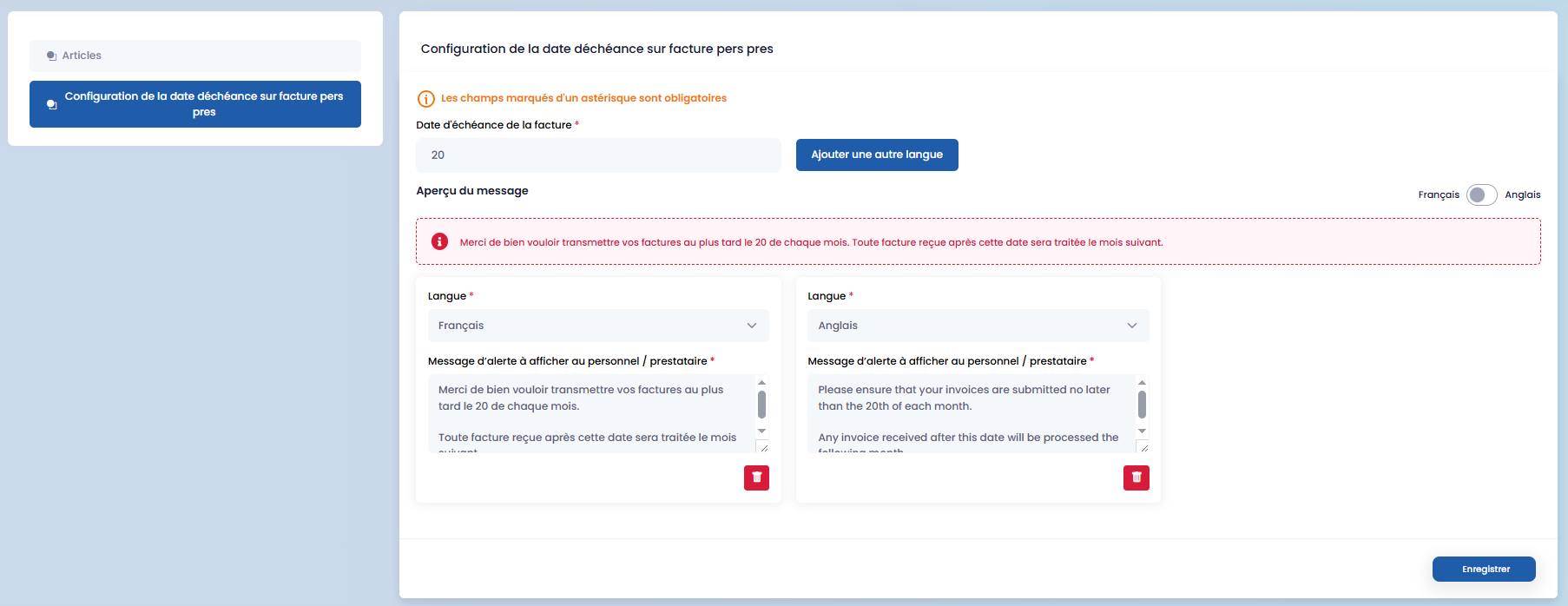
Invoice Due Date
Configure the due date, add other languages if necessary, and then save.
Expenses
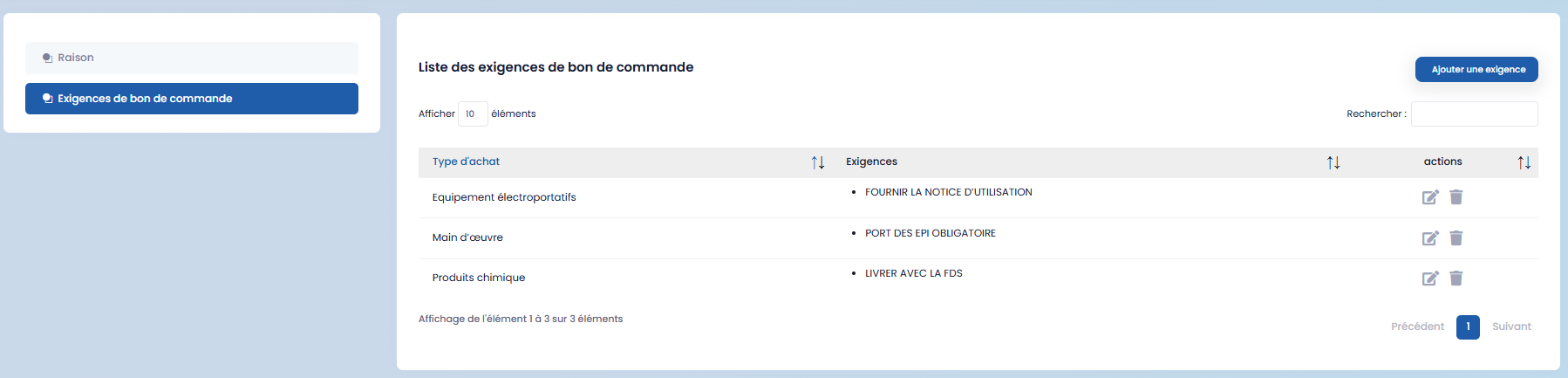
Purchase Order Requirements
Click on "Add a requirement," fill in the form, and then save.
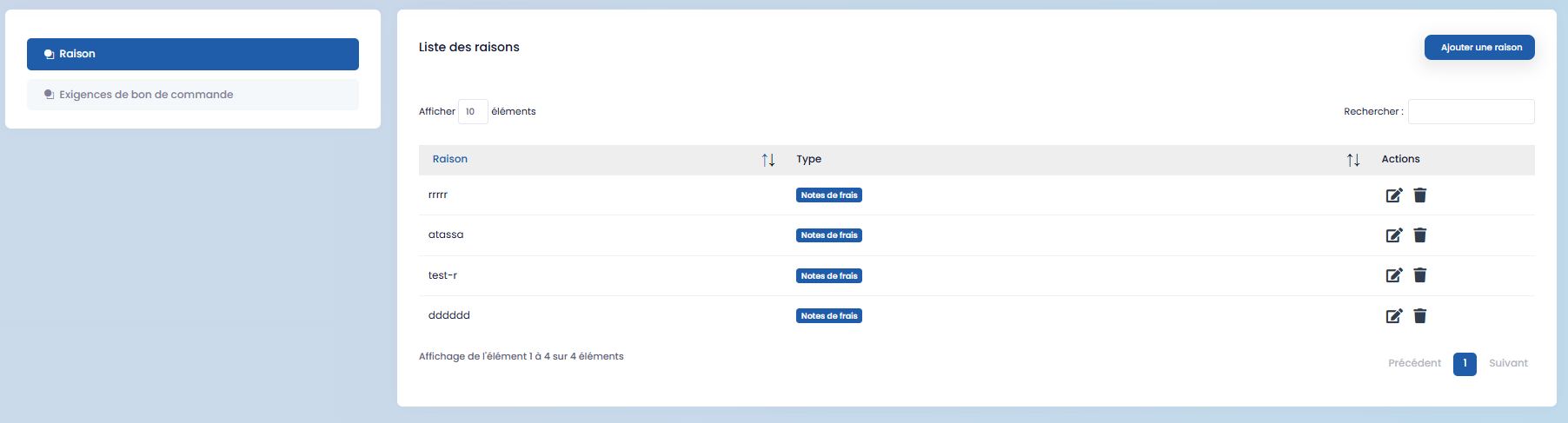
Reasons
Click on "Add a reason," complete the form, and then save.
Budget
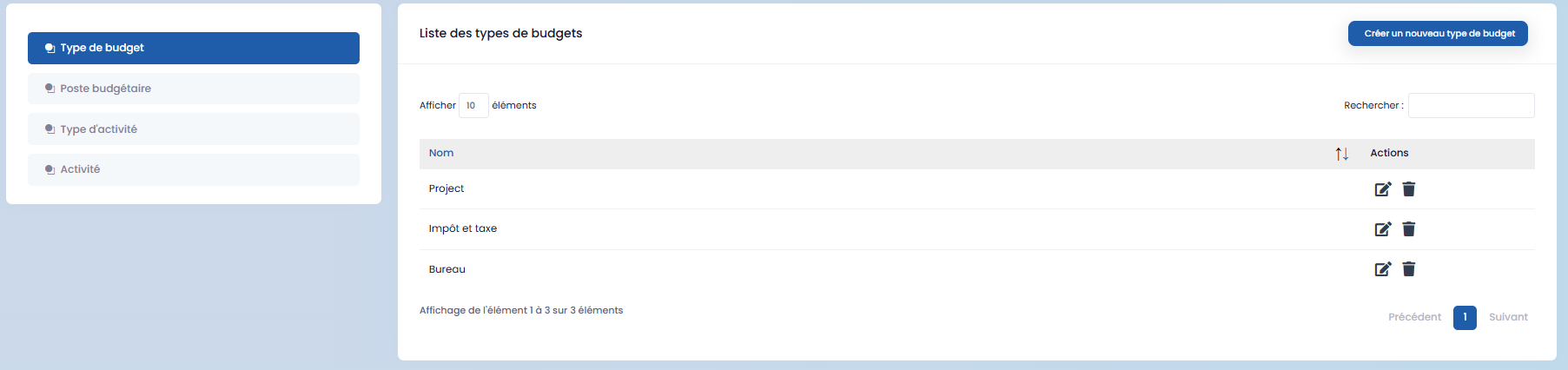
- Budget Types: create a new type and save.
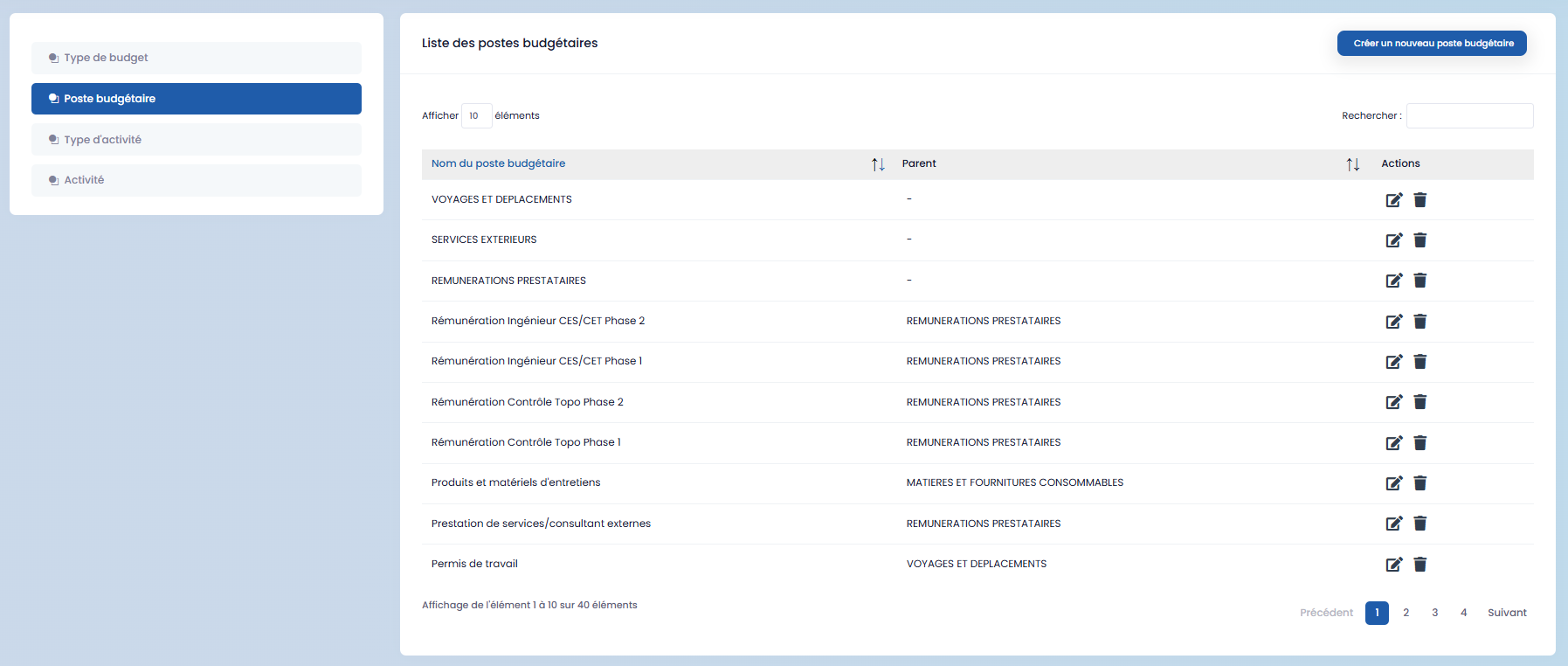
- Budget Line Items: create a new line item and save.
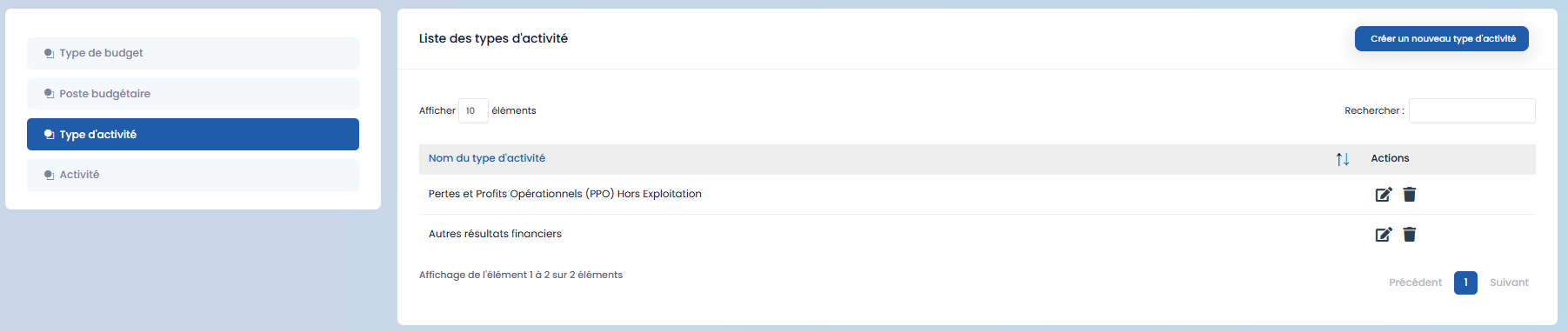
- Activity Types: create and save.
- Activities: create an activity and save.
