Dashboard
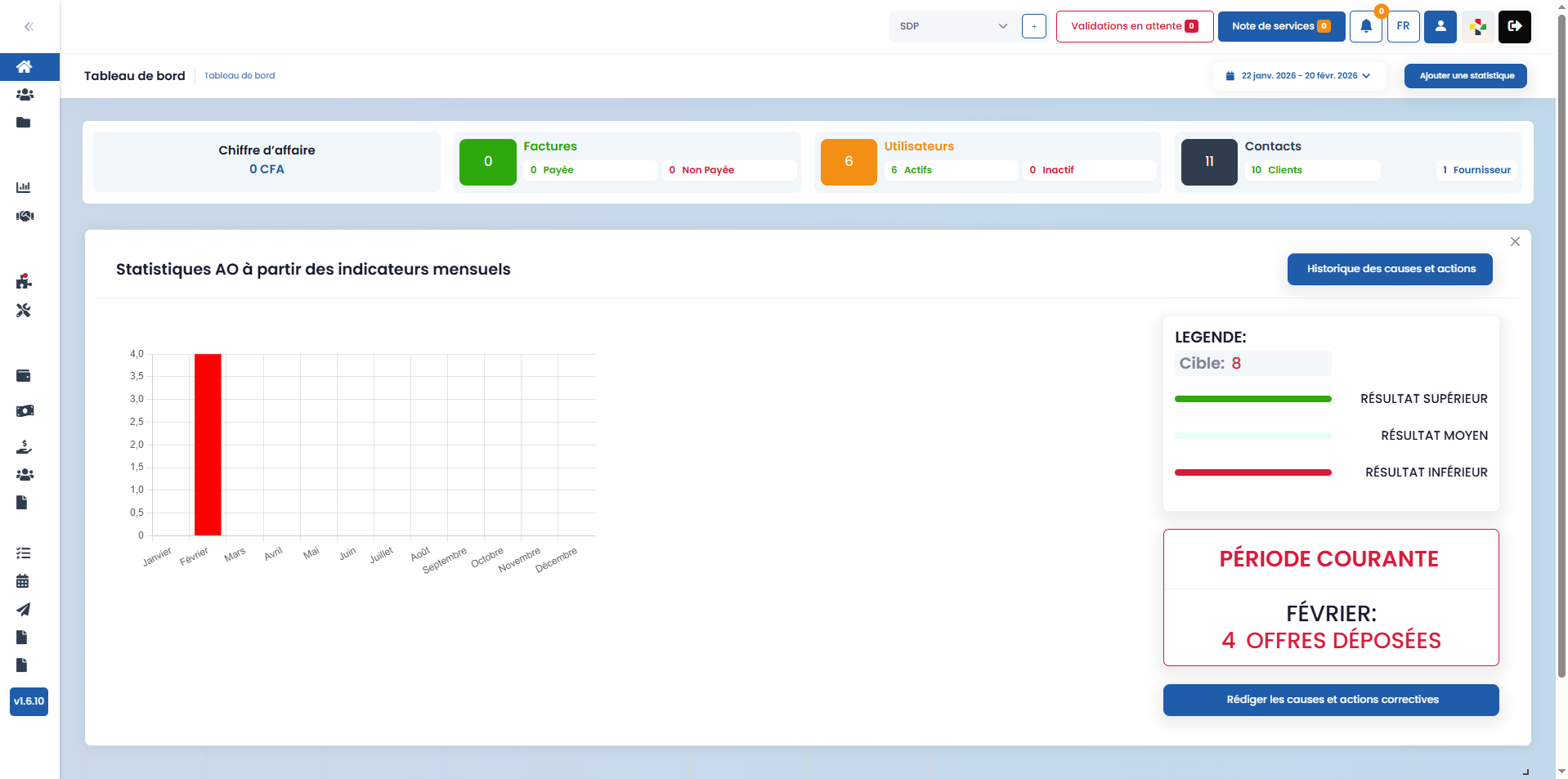
The dashboard centralizes key data to facilitate performance monitoring and decision-making.
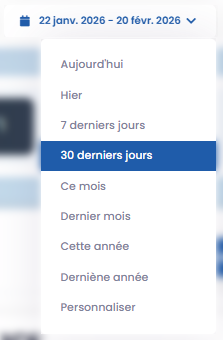
Filter
This feature allows you to filter the statistics displayed on the dashboard based on a specific time period (e.g., last 7 days, last 30 days, etc.).
Add a Statistic

This feature allows you to customize your dashboard by adding additional statistics to the ones displayed by default.
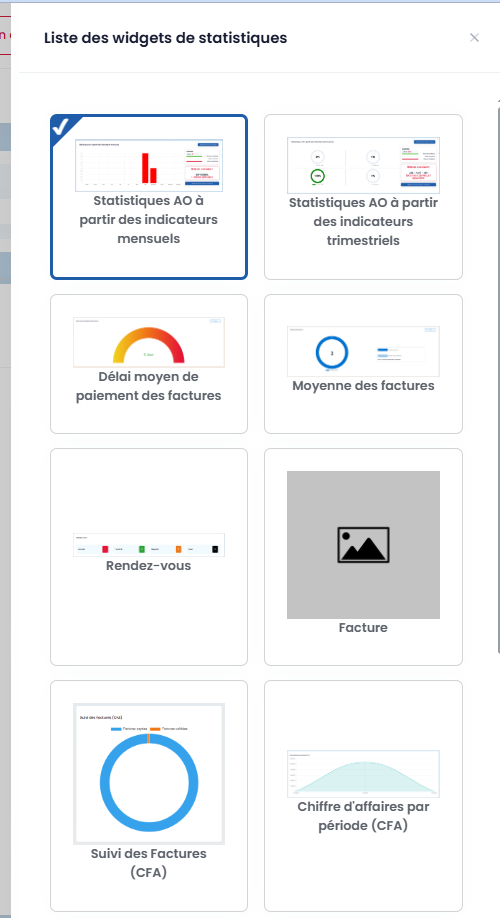
In particular, you can track:
- quote revenue by status
- average invoice payment time
- lead-to-customer conversion rate
- and other key indicators according to your needs