Document Management
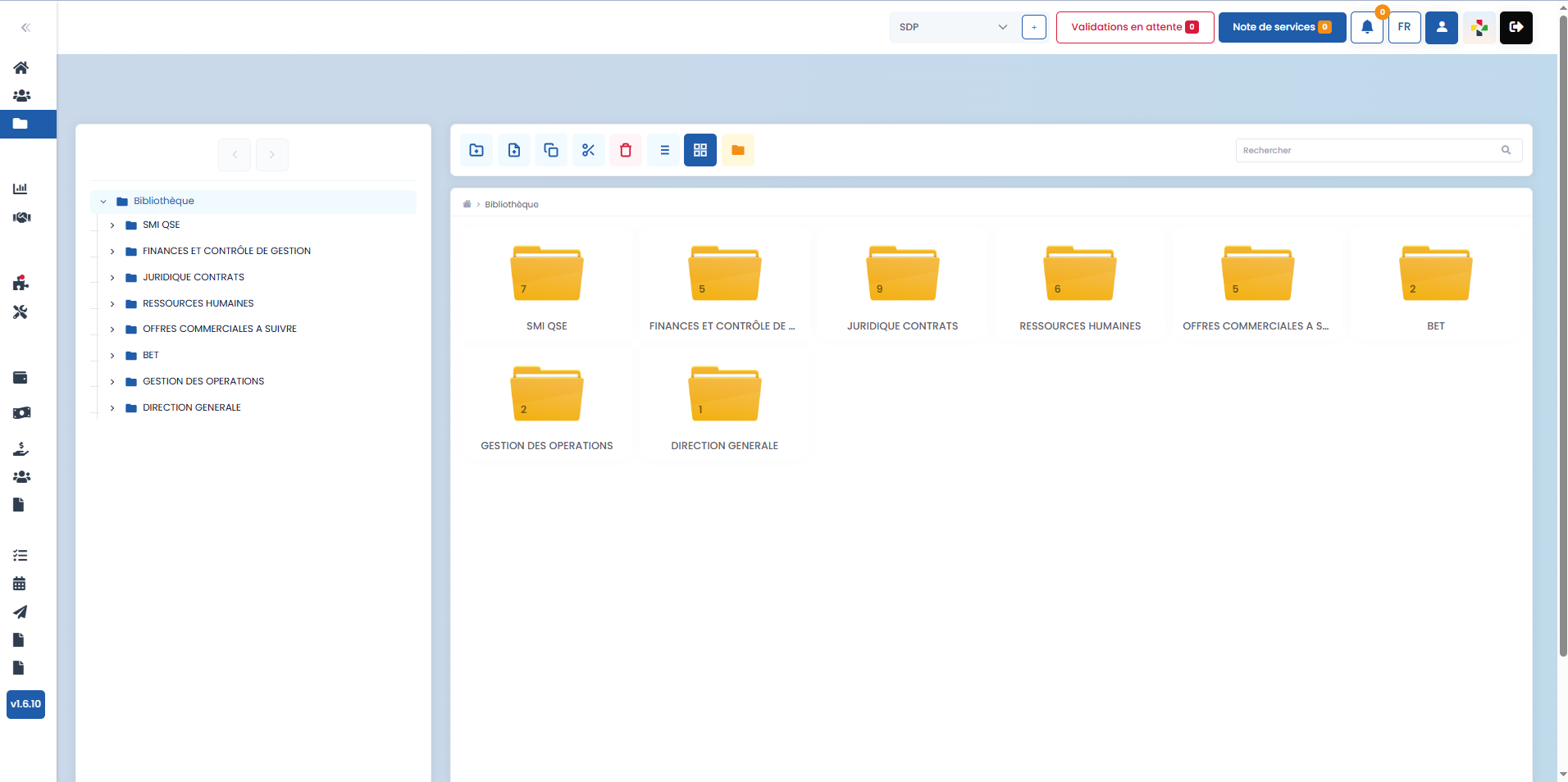
The Document Management section allows you to centralize, organize, and manage all documents within the BY+ SDP CONNECT application.
Documents generated automatically by the application, based on your various actions, are sorted by default according to the folder category they belong to. This organization facilitates access, tracking, and archiving of your documents.
-
Folder Categories
Several folder categories are available by default in the application, including:
- QSE IMS (Quality, Safety, Environment)
- Finance and Management Control
- Legal and Contracts
- Human Resources
- Engineering Office (BET)
- Operations Management
- General Management
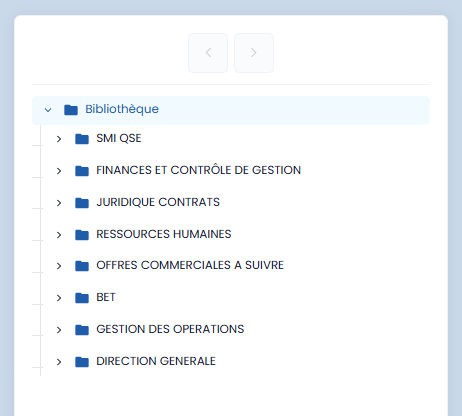
These categories allow you to structure your documentation according to your organization's main management areas.
- Document Management Tools

From the document management interface, a toolbar is provided to allow you to perform the following actions:
- create new folders
- create new files
- copy, cut, or delete folders and files
- choose the display mode (grid or list)
- quickly find a folder or file using the search bar
These features provide flexible and intuitive management of your documents, adapted to your daily needs.
-
Folder Navigation
To facilitate navigation:
- a single click allows you to select a folder or file
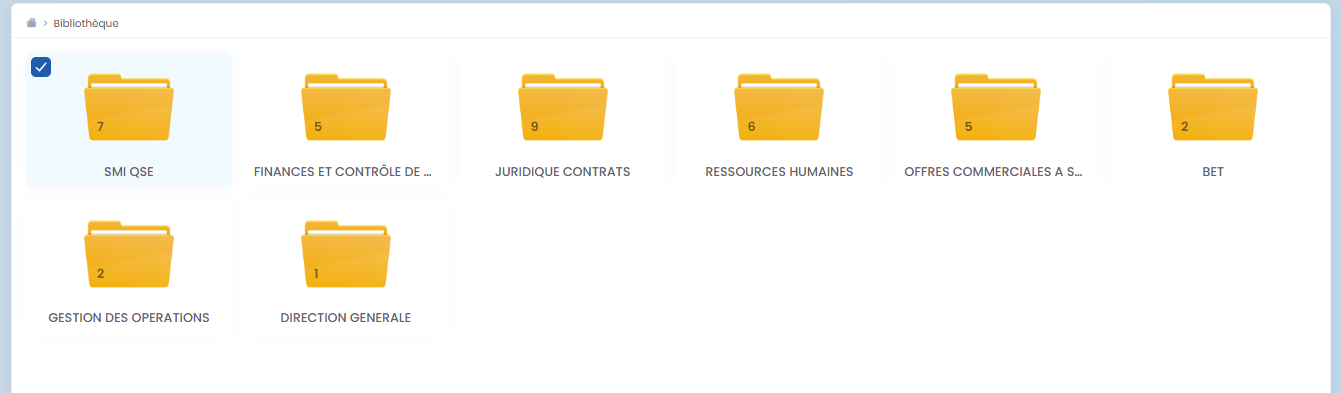
- a double-click allows you to open a folder and access the subfolders or files it contains

This navigation logic allows you to browse through your document hierarchy simply and efficiently.